

Category: Shopping Basics | Reading time: about 13 minutes
Online Shopping Safety: How to Avoid Scams and Fake Websites
Quick answer: To shop online safely, buy from well-known or verified sellers, check that the website address is correct and uses HTTPS, be suspicious of prices far below the market, pay only through the official checkout, never share OTPs, PINs or passwords, and keep proof of every purchase. If something goes wrong, contact your bank at once and report the incident through official cybercrime channels.

Online shopping is convenient, and for most people it works well. But the same features that make it easy, such as instant payments, global sellers, and attractive deals, also make it a target. Scammers copy popular stores, send convincing messages, and offer prices that seem too good to ignore.
The aim of this guide is not to scare you away from buying online. It is to give you a calm, practical set of habits that make you a much harder target. These habits work on any store, any device, and for any budget. Because scams often use deals as bait, it also helps to understand how real offers work in our guide to online deals and how to spot misleading ones in 12 ways to spot a fake discount.
The most common online shopping scams
Fake shopping websites
Scammers build websites that look professional, copy a brand’s logo, and list popular products at tempting prices. You pay, and either nothing arrives or you receive a poor imitation. These sites often appear in social media ads or search results during big sale seasons.
Phishing messages
You receive an email, SMS, or message claiming to be from a store, bank, or courier. It says your order is held, your account is blocked, or you have won a prize, and it asks you to click a link. The link leads to a lookalike page that steals your login or card details.
Payment and OTP fraud
A caller or chat agent claims to be from customer support and asks you to read out an OTP, install a screen-sharing app, or “verify” a payment. Genuine payments never require you to share an OTP with a person.
Fake refund and customer care numbers
Scammers post fake support numbers online. When you search for a number after a problem, you may find theirs. They then ask for card details or remote access in order to “process your refund.”
Counterfeit or misdescribed products
Some sellers on genuine marketplaces list fake or low-quality items with stolen photos. The marketplace is real, but the seller is not trustworthy.
Advance-payment and “prepaid only” traps
A seller insists that you pay by direct bank transfer or a personal payment app before shipping, with no buyer protection. Once the money moves, you cannot easily get it back.
Fake deal and giveaway offers
Offers such as “win a phone for 1” or “share this link to claim a coupon” are designed to collect personal data or spread malware. Real coupons are found on official channels. See our guide to using coupon codes to learn what genuine ones look like.
How to tell if a website is trustworthy
- Check the web address carefully. Look for small spelling changes, extra words, or unusual endings. A site pretending to be a famous brand often adds hyphens or numbers.
- Look for HTTPS and the padlock. This shows the connection is encrypted. It does not prove the site is honest, since scam sites can use HTTPS too, but a missing one is a clear warning.
- Find contact details. A real business lists an address, email, and phone number, and a clear return policy. Search the business name along with words like “reviews” or “complaints.”
- Read the policy pages. Copied or vague privacy, return, and shipping pages are a bad sign.
- Check the brand’s own site. Many brands list their authorised sellers. If you are unsure, go directly to the brand’s official website.
- Be careful with new sites. A shop with no history, few reviews, and extremely low prices deserves caution. Reviews can be faked, so read the pattern, as explained in how to spot fake product reviews.
Prices that are too good to be true
When a brand new phone is offered at half the market price from an unknown seller, the explanation is rarely generosity. Compare the price on several reputable sites and check the history, as shown in comparing prices across websites and price history tracking. If one site is dramatically lower than all the others, assume there is a catch until you can prove otherwise.
Safe ways to pay
Use the platform’s official checkout
On a marketplace, pay only inside the platform’s own payment flow. If a seller asks you to “pay outside the app to save the fee,” decline. You lose buyer protection the moment you step outside.
Prefer methods with protection
Credit cards and some payment gateways offer dispute processes. Direct bank transfers and payments to personal accounts usually do not. Review your card’s rules, and see our guide on bank offers and credit card deals for how to use cards sensibly.
Consider cash on delivery for unfamiliar sellers
Cash on delivery lowers the risk of paying for an item that never arrives, but it has its own trade-offs. We compare both in COD vs prepaid.
Never share OTP, PIN, or CVV
Your bank and legitimate stores will never ask you to read out an OTP, PIN, or full card details over a call or chat. If someone does, end the conversation.
Use UPI carefully
With UPI, remember that you enter a PIN to send money, not to receive it. If someone says you must enter your PIN to receive a refund, it is a scam. For offers tied to UPI, read UPI cashback offers.
Protecting your accounts and devices
- Use strong, unique passwords for shopping accounts, ideally with a password manager.
- Turn on two-factor authentication wherever it is offered.
- Keep your phone and apps updated to fix known security problems.
- Download apps only from official stores, and avoid installing files sent by strangers.
- Avoid public Wi-Fi for payments. Use your mobile data or a trusted network.
- Do not save card details on sites you rarely use.
- Check bank alerts and review statements regularly for unfamiliar charges.
How to handle messages and links
Before clicking any link about an order, delivery, or refund, stop and ask three questions. Did I actually place an order? Is the sender address or number the one the store normally uses? Does the message pressure me to act fast? If the answer to the last question is yes, slow down. Instead of tapping the link, open the store’s app or type its address yourself and check your orders there.
Never install remote-access or screen-sharing apps at the request of someone who contacted you. Never forward OTPs, and never scan a QR code to receive money. Scanning a QR code is for paying, not receiving.
Know your rights: returns and refunds
Safe shopping includes knowing what you can do if the product is wrong. Before buying, read the return window, who pays for return shipping, and how the refund is issued. Keep screenshots of the product page, order confirmation, and the seller’s details. Our guide to return and refund policies explains the usual terms and what to look for.
What to do if you have been scammed
- Contact your bank or card issuer immediately. Ask to block the card or account and to raise a dispute. Speed matters.
- Change your passwords for the affected account and any other account that uses the same password.
- Save evidence. Keep screenshots, messages, receipts, phone numbers, and website addresses.
- Report the fraud. In India, you can use the National Cyber Crime Reporting Portal and the cybercrime helpline. Check official government sources for the current portal address and number before using them.
- Report the seller or listing to the platform so it can remove them.
- Warn others, without sharing personal details.
This is general guidance, not legal advice. The sooner you act, the better your chances of limiting the damage.
Special care for social media shops and messaging apps
Many small sellers operate through social media pages and messaging apps. Some are honest businesses, and some are not. Because these channels have no built-in buyer protection, apply extra caution:
- Check how long the page has existed and whether it has real customer photos and comments, not just generic praise.
- Ask for a video call or a short video of the actual item, and compare the details with the listing.
- Be careful if the seller refuses cash on delivery, pushes you to pay immediately, or has no return policy.
- Pay a small amount first only if the seller has a verifiable track record. Never send a large advance to an unknown person.
- Keep the whole conversation and payment proof, because it is your evidence if a dispute arises.
Safe shopping with children and older family members
Scammers often target people who are less familiar with technology. If you share a device or accounts with family members, take a few minutes to set rules together. Remove saved cards from shared devices, set low spending limits where possible, and agree that nobody shares an OTP or installs an app a caller suggests. A short conversation before a scam happens is far more effective than an explanation afterward. Teaching them to pause and ask you first, even when a message sounds urgent, is the single most protective habit.
Safety checklist before you click “Pay”
- Is the website address correct and secure?
- Is the seller known or verified, with clear contact details?
- Is the price reasonable compared with other stores?
- Am I paying through the official checkout?
- Do I understand the return and refund terms?
- Is nobody asking me for an OTP, PIN, or remote access?
- Have I saved a screenshot of the product and price?
Safety during big sales
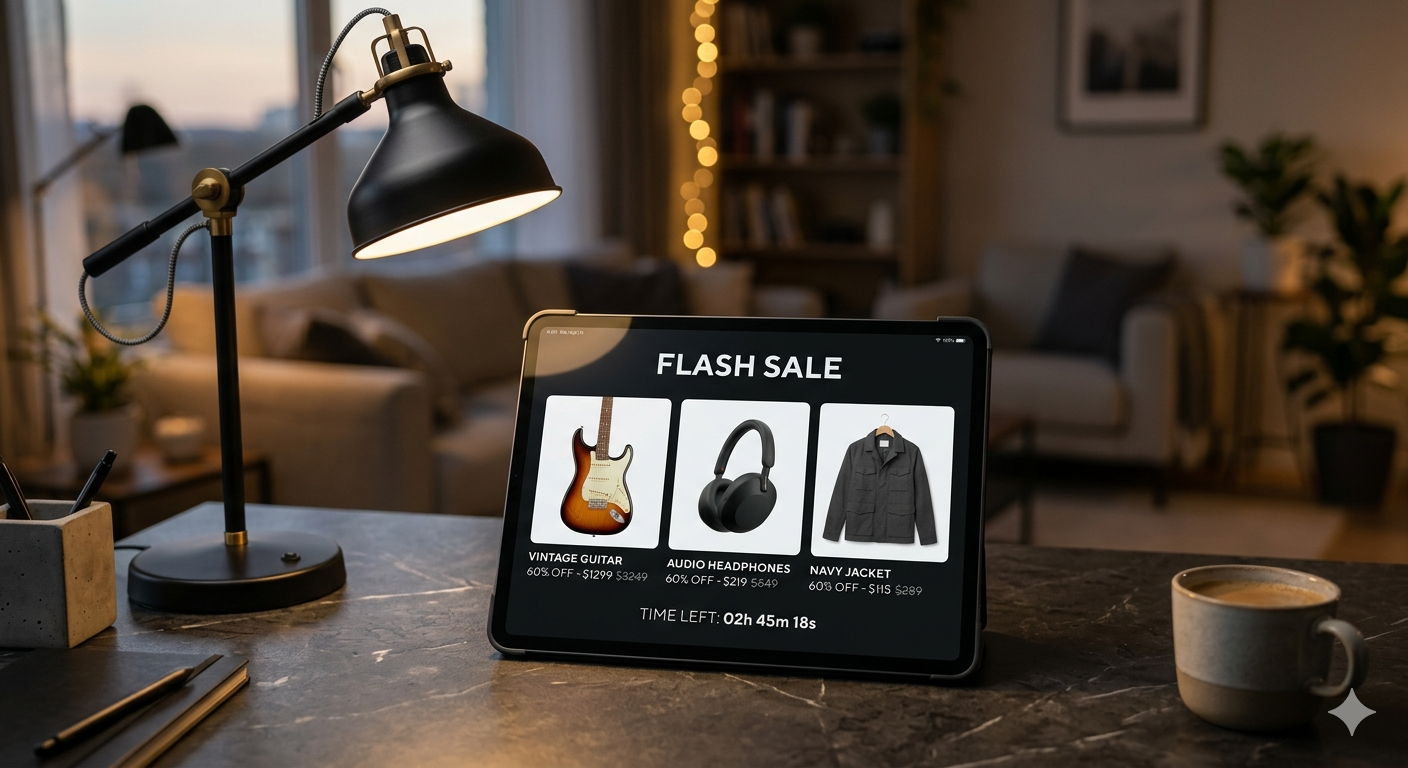
Scam activity tends to rise during festive and clearance sales, because shoppers are in a hurry and expect heavy discounts. Plan ahead: build a wishlist, decide your budget, and buy only from sellers you already trust. Our festive sale shopping guide and flash sale strategy show how to shop during busy periods without rushing. Rushing is exactly what scammers want.
Frequently asked questions
How can I tell if a shopping website is fake?
Warning signs include prices far below every competitor, no contact details or return policy, poor spelling, a newly registered or oddly spelled domain, and payment requests outside normal checkout.
Is it safe to enter card details online?
It is generally safe on reputable sites that use HTTPS and a recognised payment gateway. Never share your PIN, CVV through chat, or OTP with anyone.
Should I share my OTP with a delivery agent or support person?
Never share a payment OTP with anyone. A genuine payment never requires you to read out an OTP to a caller or chat agent.
What should I do if I paid a scammer?
Contact your bank immediately to block the card or account, and report the fraud promptly on the national cybercrime portal or helpline. Check official sources for current contact details.
Is cash on delivery safer than paying online?
It reduces the risk of paying for something that never arrives, but you can still receive a wrong or poor item. Choose it only when you trust the seller and the return terms.
Final thoughts
Online shopping safety is mostly about habits, not technology. Slow down when you feel rushed, verify before you trust, pay only through protected channels, and keep your codes to yourself. None of this requires special skills. It simply replaces autopilot with a few seconds of attention. Do that consistently and you will avoid the large majority of common scams while still enjoying the convenience and savings that online shopping offers.



2 thoughts on “Online Shopping Safety: How to Avoid Scams and Fake Websites | Deal Fyndr”