
Category: Shopping Basics | Reading time: about 12 minutes
How to Check Price History Before You Buy
Quick answer: To check price history, find the product on a price-tracking website, browser extension or shopping search tool, paste its link, and read the price chart. Look at the highest, lowest and typical price over the last three to twelve months. If today’s price is near the low end of that range, the deal is probably good. If it is at or above the typical price, wait or set a price alert.

Imagine you are about to buy a laptop. The page shouts “Limited time offer, 22% off.” You have no idea whether that is a good price or an average Tuesday price with a shiny label. Three minutes of research could tell you. That research is called checking the price history, and it is the single most reliable way to tell a real deal from a staged one.
This guide explains what price history is, where to find it, how to read a chart even if you have never read one, and what to do with the answer. If you are new to how discounts work in general, start with how online deals work, and read MRP vs selling price to understand why the printed discount is not enough.
What is price history?
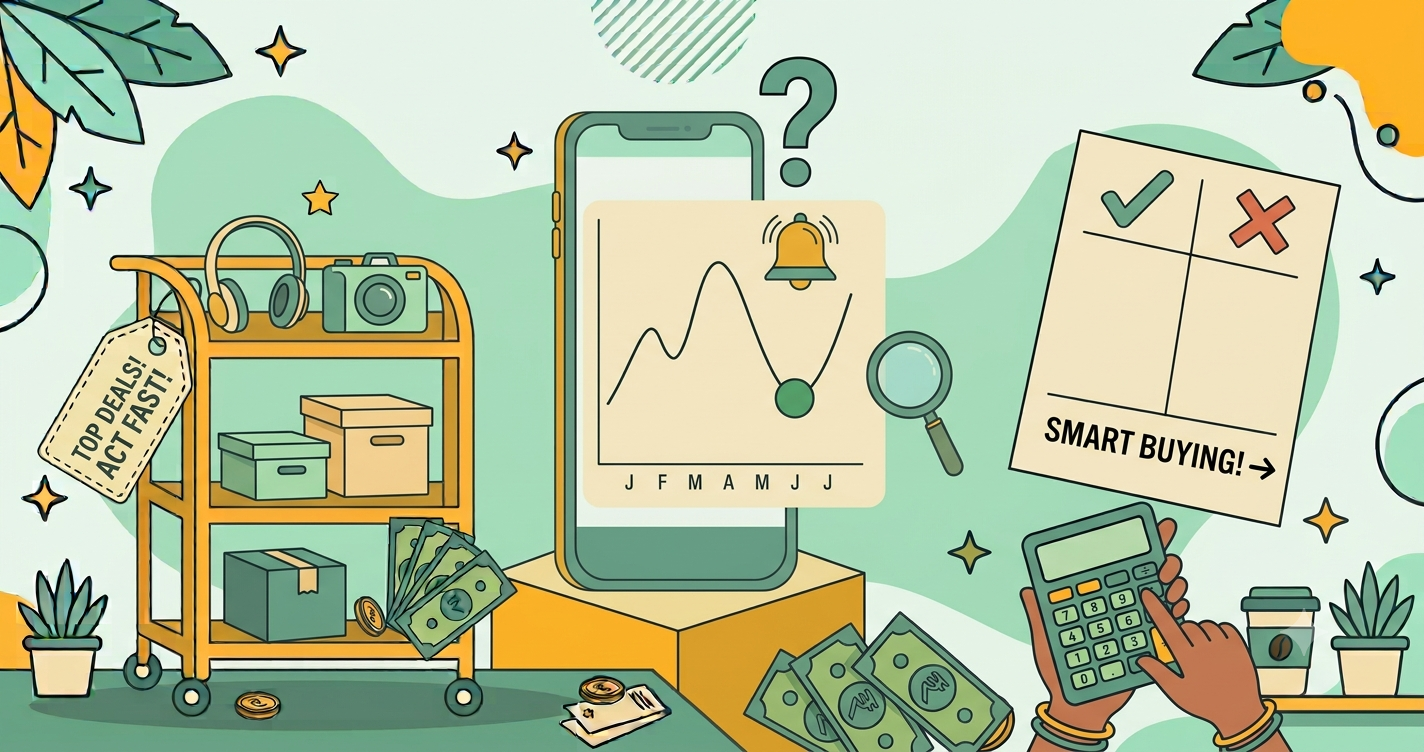
Price history is a timeline of the prices a product has had on a particular store or across stores. Most tools show it as a line chart. The horizontal axis is time, and the vertical axis is price. A flat line means the price has been steady. A zigzag means it changes often. A sudden drop followed by a return to the old level usually means a short sale.
From a single chart you can learn:
- The highest price the product reached.
- The lowest price it has ever had, and when.
- The typical price, the level where the line spends most of its time.
- The pattern, such as dips during festivals or at the end of a season.
Why price history matters more than the discount label
A discount label compares today’s price to a number the seller chooses, often the MRP or a “was” price. Price history compares today’s price to what the product has actually cost in real life. It is hard to fake. If a store claims “60% off” but the chart shows the item has sat at nearly the same price for six months, you have your answer.
Price history also protects you from fake urgency. Many shoppers rush to buy because a timer says the deal ends tonight. A chart often shows the same deal appeared three weeks ago and will probably appear again. Knowing that gives you permission to pause. We cover that mindset in flash sale strategy.
Where to find price history
You have several options, and you do not need to pay for any of them. Availability changes, so search for a current tool instead of relying on a single name.
1. Price-tracking websites
These are independent sites that record prices from major stores. You paste a product link or search by name, and they show a chart, the lowest price, and sometimes a rating of whether now is a good time to buy. Look for tools that support the Indian stores you use.
2. Browser extensions
An extension adds a small chart directly on the product page. It is convenient, because you do not leave the store. Install extensions only from your browser’s official store, read the permissions they ask for, and avoid ones that want more access than necessary.
3. Shopping search tools
Some search engines and shopping tools show a short price trend, such as “price is lower than usual” for certain products. It is a quick signal, though less detailed than a full chart.
4. Messaging bots and deal communities
Some communities share price drops and history. These can be useful, but treat tips as leads to verify, not as proof. Some posts are promotional or contain referral links.
5. Manual tracking
If you cannot find a chart, you can track the price yourself. Write down the price in a note, check it every few days, and look at it again before buying. It is slow, but it works for a product you plan to buy within a month.
How to check price history, step by step
- Copy the product link from the store page. Make sure it is the exact model, colour and storage or size you want.
- Paste it into a price tracker or open the extension on the page.
- Set the time range. Three to twelve months is a good window. Very short ranges can mislead you.
- Find the lowest and typical prices. Note both numbers.
- Compare today’s price with those two numbers.
- Decide: buy, wait, or set an alert.
How to read a price chart without being a data person
Look at the shape first
Before you read any numbers, look at the line. Is it mostly flat with occasional dips? Then the price is stable and dips are real sales. Is it jagged all the time? Then the seller changes prices constantly, and you should compare with other stores. Is it climbing? Then the product may be in demand or about to be replaced.
Find the baseline
The baseline is where the line sits most of the time. That is the product’s everyday price. Any discount should be measured against the baseline, not the highest price on the chart.
Spot the dips
Dips are sales or price experiments. Note their depth and when they happened. If every dip lines up with a festival or a launch event, you can predict the next one. Our guides on the best time to buy electronics and the festive sale shopping guide explain how these cycles work.
Watch for spikes before sales
Occasionally, a price rises a few days before a big sale and then “drops” back to its usual level. The chart will show a short hill before the valley. If you see that, the discount is smaller than it looks.
Compare with the lowest price
If today’s price is within about 5 to 10 percent of the all-time low, it is usually a good time to buy. If it is far above that, it may be worth waiting, unless you need the item soon.
A worked example
You want wireless headphones listed at 1,799, marked “40% off MRP 2,999.” The chart for the past six months shows:
- Typical price: about 1,999
- Lowest price: 1,599, during a festive sale
- Today: 1,799
Today’s price is about 10% below typical and about 12% above the lowest. That is a decent price, but not the best. Your options: buy now if you need them, or set an alert at 1,650 and wait for the next sale. Your real saving against the typical price is (1,999 − 1,799) ÷ 1,999 = 10%, not 40%.
Using price alerts
A price alert sends you a notification when the product reaches a price you choose. It turns price history into action, and it saves you from checking the page repeatedly.
- Choose a target price, such as a few percent above the lowest recorded price.
- Set the alert in the tracker or extension.
- Decide a deadline. If the price has not reached your target in a few weeks, reassess whether you can pay a little more.
- When the alert arrives, re-check the final price with bank offers and cashback to find the effective price.
Limits of price history tools
Price trackers are helpful, but they are not perfect. Keep these points in mind:
- They record at intervals. A one-hour flash price may never appear on the chart.
- They may miss payment-specific prices. A card offer or coupon may lower the real price below the charted one.
- They track listings, not products. If a seller changes the model or variant under the same link, the history may mix two different products.
- New products have little history. A product launched two weeks ago has no pattern to read yet.
- Different sellers behave differently. A chart for one store may not represent another.
For these reasons, combine price history with a quick comparison across stores, as described in how to compare prices across websites.
When price history is most useful
- Expensive purchases. Phones, laptops, TVs and appliances have the most to gain, because a few percent is a lot of money. See our laptop buying guide and smart TV guide.
- Big sale events. Compare event prices to the normal level to see whether the event is really cheaper.
- Products with frequent price swings. Charts reveal the cycle so you can time your purchase.
When you can skip it
You do not need a chart for a 100 item you need today, or for a product with a fixed price, such as many groceries. Use judgement. The aim is to protect your money, not to turn every purchase into research.
Mistakes to avoid
Waiting for the perfect price
Chasing the absolute lowest price can cost you time, and the product may sell out or be replaced. If today’s price is close to the low and you need the product, buy it.
Ignoring the variant
A different colour, storage size or seller may have a different price history. Confirm the exact version you want.
Trusting one tool blindly
If a chart looks strange, check a second tool or another store. Different trackers record at different times.
Forgetting extra costs
Delivery fees, installation and accessories change the real price. Add them before you decide, as explained in how online deals work.
Letting the chart cause impulse buying
A low price is only a good deal if you need the product. If you tend to buy things because they are cheap, read how to avoid impulse buying during sales.
Privacy and safety tips
Price tools are generally harmless, but use common sense. Install only well-reviewed extensions, read the permissions, and avoid giving your store password to any third party. A legitimate price tracker never needs it. If a tool asks for payment details just to show you a chart, close it. For broader advice, see our online shopping safety guide.
Quick checklist
- Copy the exact product link.
- View at least three months of history.
- Note the lowest and typical prices.
- Compare today’s price with both.
- Compare with one or two other stores.
- Set an alert if the price is not low enough.
- Add offers and cashback to find the effective price.
Frequently asked questions
What is price history?
Price history is a record of how a product’s price has changed over time. It is usually shown as a line chart so you can see the highest, lowest, and typical prices.
How can I check the price history of a product?
Use a price-tracking website or browser extension that supports your store, paste the product link, and read the chart. Some shopping search tools also show a short price trend.
Are price history charts always accurate?
Not perfectly. Trackers record prices at intervals, so brief flash-sale prices can be missed. Treat charts as a strong guide, not an exact record.
Should I buy at the lowest price ever?
Not necessarily. Buy if the price is near the low end of its normal range and you need the product. Waiting for the absolute lowest price can mean missing out or never buying.
What is a price alert?
A price alert is a notification you set up to be told when a product falls to a price you choose, so you do not need to check manually.
Final thoughts
Price history turns shopping from guessing into checking. In just a few minutes, you can see whether a discount is genuine, whether the price is likely to fall, and whether you are about to pay more than you should. Pair it with an honest look at the final price, a quick comparison across stores, and a pause before paying. If a deal still looks good after all that, you can buy with confidence. And if it does not, the next sale is probably not far away. To keep sharpening your eye, read 12 ways to spot a fake discount next.



One thought on “How to Check Price History Before You Buy (Step-by-Step Guide) | Deal Fyndr”